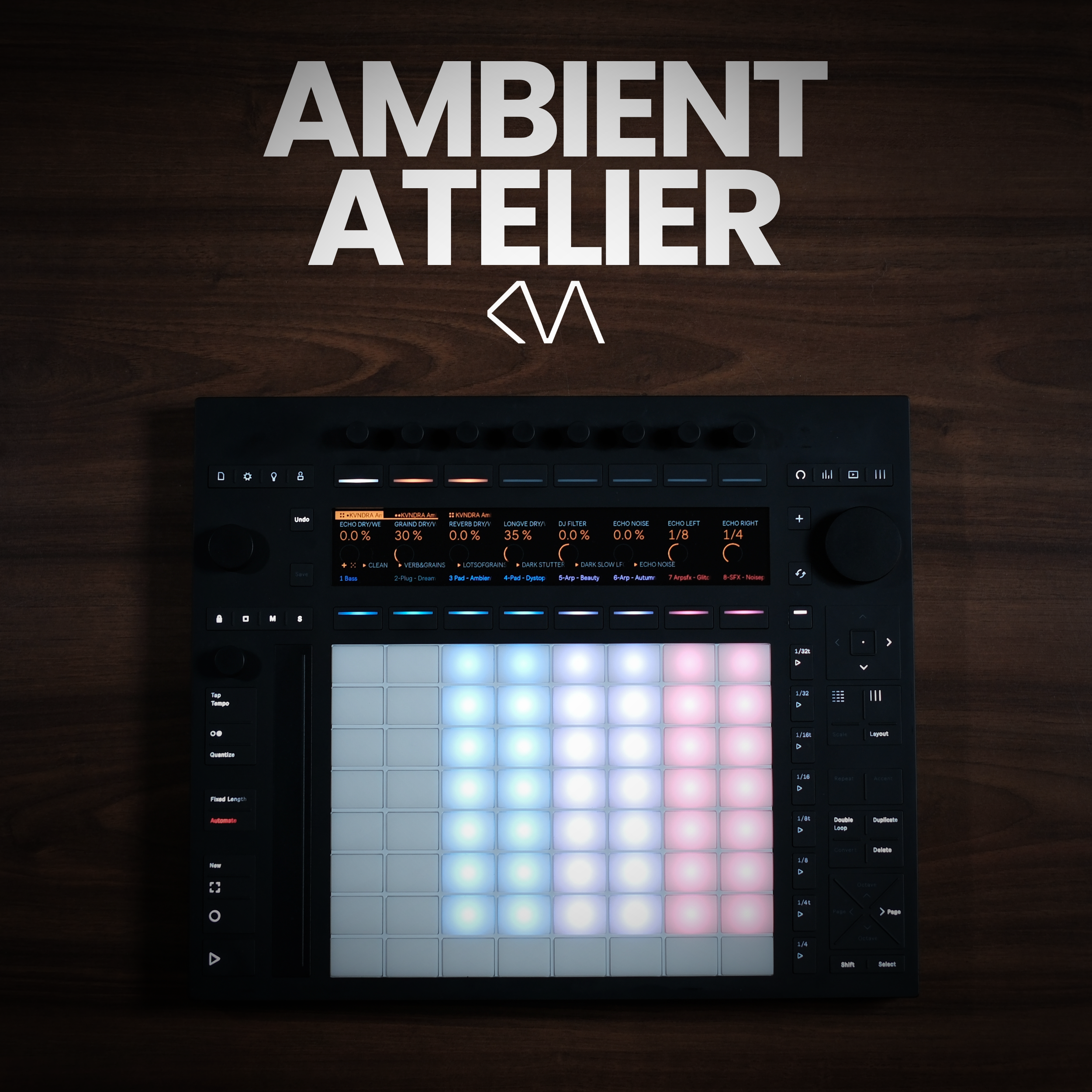
 Image 1 of 3
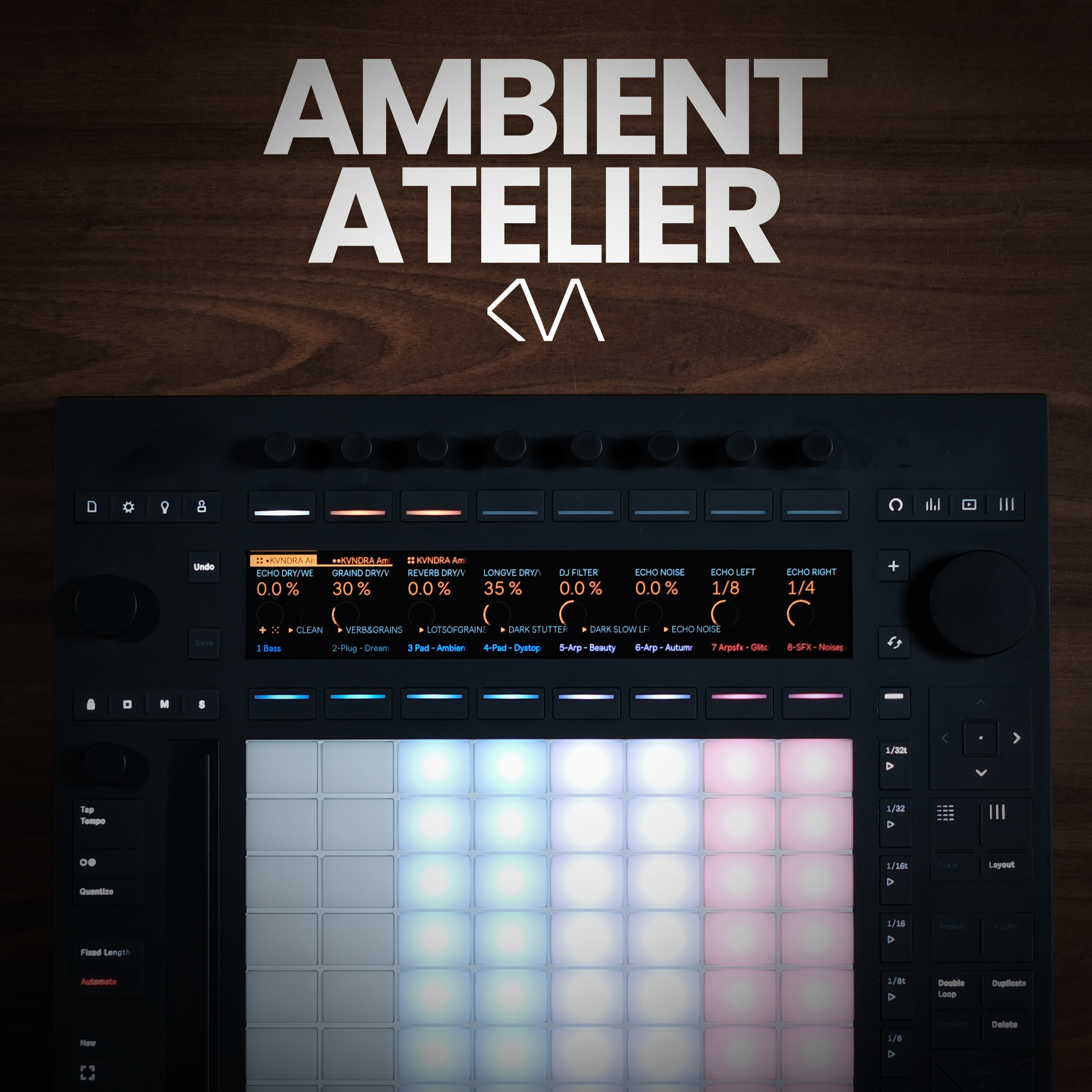 Image 2 of 3
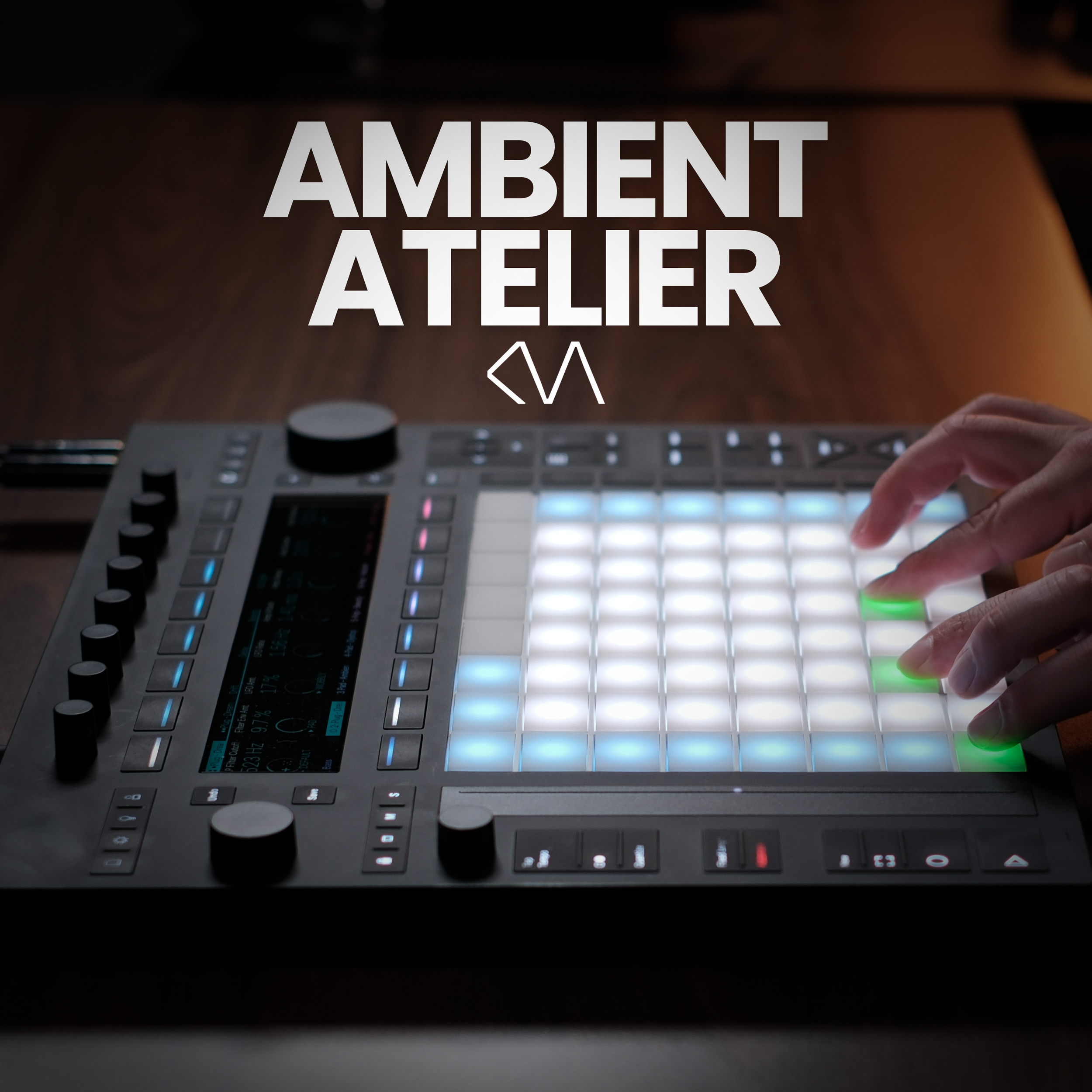 Image 3 of 3
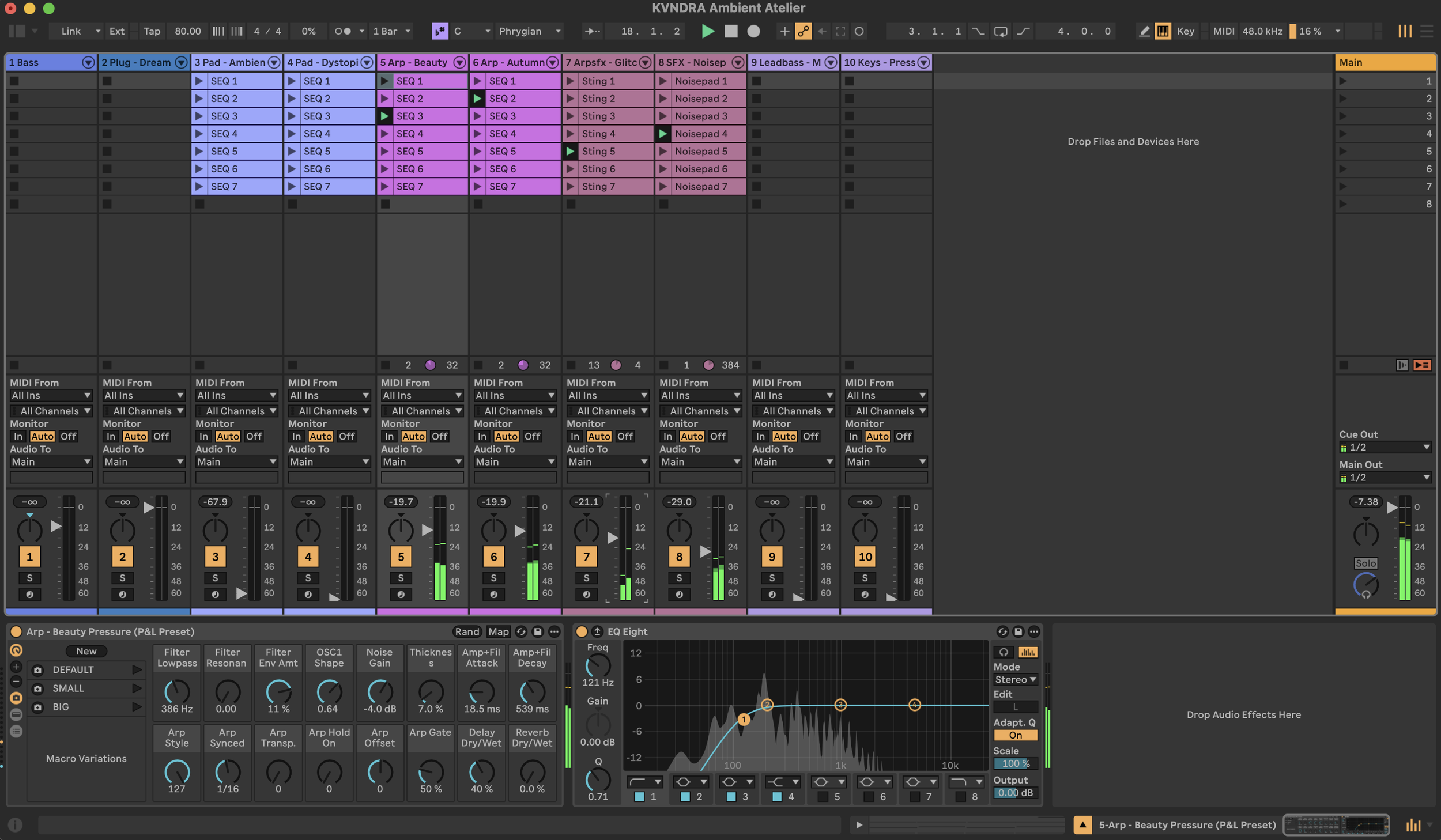
At its core, Ambient Atelier ships with eight playable sounds:
1x Bass device
1x Pluck Keys sound
2x Pads
2x Arps
2x Sound FX
On top of that, you get a Lead Bass and an additional Keys sound that can be swapped in for any of the eight core sounds, so you can quickly reshape the character of the whole set.
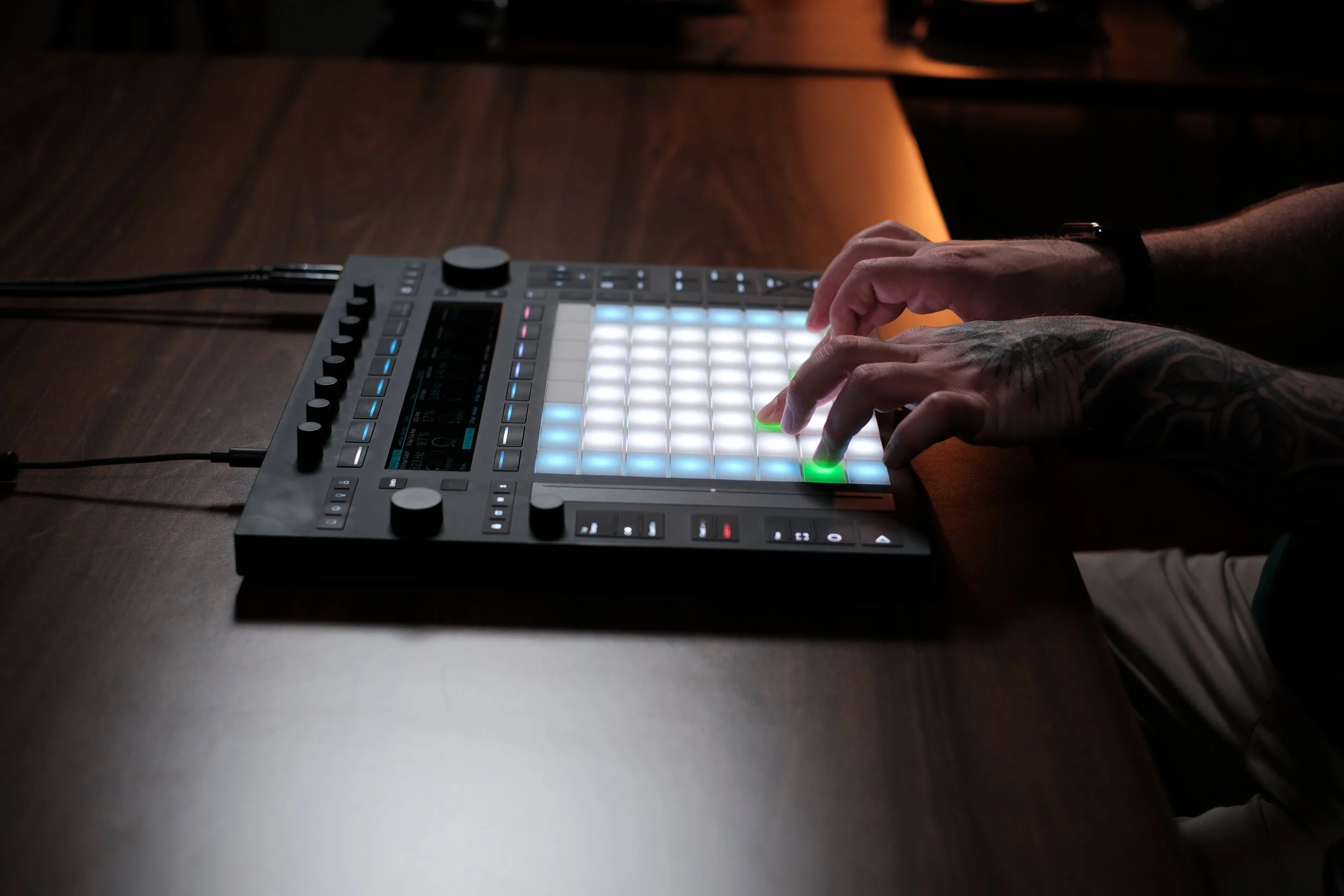
Every sound comes with at least three presets, stored as snapshots in the instrument rack, so you can switch between different moods with a single tap. The Pads, Arps and Sound FX each include seven MIDI sequences that can be freely combined for fresh harmonic results — and recording your own sequences on top is just as easy.
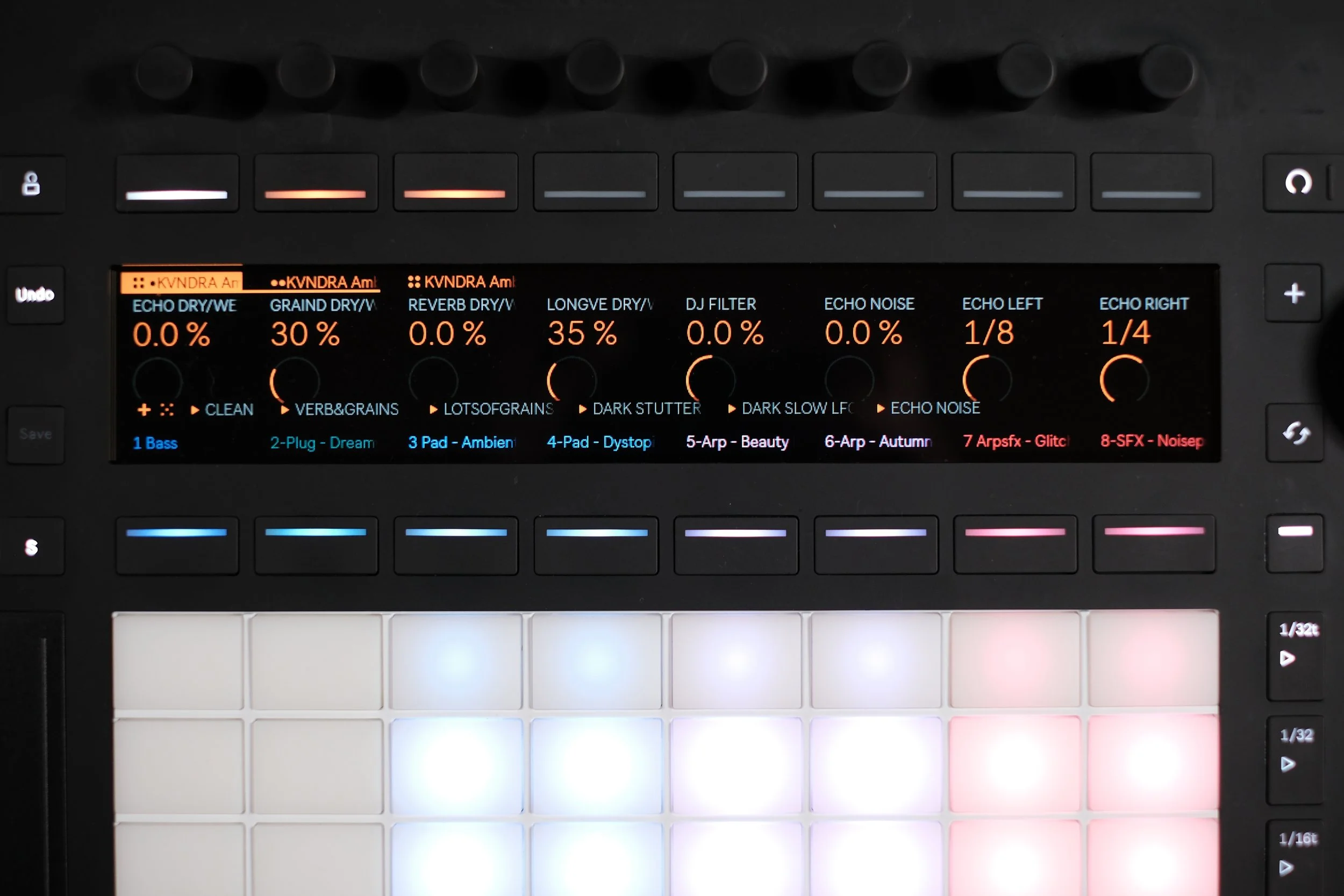
The Main channel carries an Ambient Performance Effect Rack with 16 macros built for hands-on experimentation, while an Ambient Mastering Rack keeps the levels of all channels in check and balances the sound without over-compressing the signal. The template's default key is C Phrygian and the default tempo is 80 BPM — both fully adjustable to fit your own ideas.
Sound Examples (all made with Ambient Atelier - no further effects or processing applied)
The Idea Behind the Product
Ambient Atelier was built around one goal: an instantly accessible performance experience that lets beginners and advanced producers get playing fast. I use this template myself to quickly create beautiful ambient pads, lose myself in the performance, and experiment with sounds — and that's exactly what it's designed to invite.
The presets give every sound an immediate starting point, and from there the template encourages you to turn knobs, push the effect parameters and see where things lead sonically. You can't break anything: every sound has a “DEFAULT” button that snaps it straight back to its original tone, and the Performance Effect Rack on the Main channel comes with five presets plus a dedicated ”CLEAN” preset that resets all effects to their original state. These safety nets are there to take away the fear of getting lost — one tap on the Clean or default snapshot and you're instantly back to a place that sounds great. The included MIDI clips support this by laying down harmonic sequences, while combining different clips across different scenes opens up entirely new results.
To bring even more motion into your sounds, you can use the Mixing page on Push or the faders in Session View in Ableton Live to fade channels in and out — and even record automation while you do it. Every sound runs through the effect rack on the Main channel, sharing the same Reverb, Grain Delay, Echo and more. Because all sounds move through the same effects, they sit in one even, cohesive space that you can reshape live with the 16 macros of the Ambient Performance Rack.
TL;DR: the idea of Ambient Atelier is exploration. Ambient Atelier invites you to try things out, fade sounds in and out, combine them, and build long, evolving textures — ideally all the way to a complete ambient live set.
Requirements
You need either:
✅ Ableton Push 3 Standalone
✅ Ableton Live Suite 12.4 or higher
✅ If used with Ableton Live, you can also use the controller version of Push 3, Push 1 & 2, and many other MIDI controllers
🚫 No third-party plugins required
🚫 No Max4Live devices needed
FAQ
-
No. Ambient Atelier works independently on either system. Run it on Push 3 Standalone, run it in Ableton Live (Suite 12.4 or higher) — it's the same template. If you run it on your computer using Ableton Live, you can of course also play it with the controller version of Push 3, Push 1 & 2, and many other MIDI controllers.
-
Not at all. Ambient Atelier is built for instant, hands-on results. Load it, hit play, and you're shaping evolving ambient textures within seconds — no deep production knowledge required.
-
No. Every sound has a DEFAULT button and the Performance Effect Rack has a CLEAN button, so you can always return to the initial state. Explore freely with a safety net — nothing can break.
-
It’s a full, playable ecosystem consisting of ten playable instrument channels (including two swap-ins), 30+ presets saved as snapshots, seven combinable MIDI sequences per pad, arp and FX, a 16-macro Ambient Performance Effect Rack on the Main channel, and a dedicated Ambient Mastering Rack.
-
The default is C Phrygian at 80 BPM. Both are fully adjustable to fit your own style. Just note that the included MIDI clips are all recorded in C Phrygian so if you want to work in a different key, you’d need to transpose them manually or record your own MIDI clips. Or you explore with playing two different keys on top of each other and see what happens. :)
-
Absolutely! Swap and mangle sounds, change key and tempo, and record your own sequences. The template is a starting point, not a cage.
-
Not exactly. As the preset names suggest, a few sounds are based on presets from the Melodic Movement pack — but they've been re-tuned to fit the ambient vibe. And if you own Melodic Movement, you're invited to swap the sounds on the instrument channels for the originals from the pack to create cool new results of your own.
-
Install the .alp file first (double-click or drag it into Ableton Live). Once installed, drag the whole project folder ("KVNDRA Ambient Atelier Project") onto your Push 3 Standalone via the browser. Always copy the entire project folder, not just the .als file.
-
Yes! That's exactly what it's designed for — fading sounds in and out, combining sequences, and building long, evolving textures all the way to a complete ambient live performance.